


Private by design
Privacy first: you keep full control over your data with an on-premises AI solution.
- Documents, databases and conversations stay inside your organisation
- GDPR and industry regulations become simpler to satisfy

AIBOX is a real box with ready AI solutions for orders, documents, invoices, payments and customer calls. It sits at your premises, connects to your ERP and accounting system, and is used in plain language.
The AIBOX logo is a cube with three faces, and each one stands for something specific. Point at a promise to lift its face.
Privacy first: you keep full control over your data with an on-premises AI solution.
No IT expertise needed: powerful AI through a user-friendly interface designed for non-technical users.
Regular updates bring the newest AI capabilities, so AIBOX stays your gateway to the latest technology.
Underneath the ready solutions sits one AI platform. These are the six things it does.
Chat with your documents to find information quickly, connecting multiple sources for comprehensive insights.
Communicate with your data in everyday language and make informed decisions faster, without complex queries.
Create AI helpers tailored to your business needs, with context-aware AI that makes teams more productive.
Multiple AI assistants work together to handle complex tasks and automate workflows.
Develop custom applications by simply explaining what you need, without coding skills.
An AI chatbot built into your website or application, for better customer support.
One order, followed through AIBOX. Every step below is a solution you can also deploy on its own.
By email, phone, website, free text, or a photo of a handwritten note.
The order is read and its data is summarised.
A person checks the summary on the operator screen.
Formatted and entered into your ERP or accounting system.
Invoices are aggregated into a file for your online banking.
0 bytes left the building. In an on-premise deployment, every step above runs on your own AIBOX.
AIBOX has AI agents built in: autonomous software modules that make decisions in real time. Point at a family to see what it does.
From a voice or text chatbot to a daily assistant for repetitive tasks.
What it does
Results
A voice assistant handling incoming calls. Summarises information in writing, flags required follow-up actions, connects to your system data, and alerts operators when human intervention is needed.
24/7 helper for your website. Provides intelligent answers to open questions — Where, When, How, What — connected to your system data, with operator alerts when human follow-up is needed.
An assistant that executes tasks across multiple systems and processes — choosing which system to open, evaluating and combining dependencies. From SDLC orchestration to daily tasks like connecting voice assistant, email, calendar, and all your commitments.
Digital, paper or received by email: documents and data processed and entered.
What it does
Results
Intelligent document processing — from quotes through contracts to invoices. Prepares documents based on your criteria, with easy search, archiving, and full data security.
Processes data in the format and content your business needs. Transforms raw information from any source into structured, actionable datasets tailored to your specific requirements.
Orders from your website, chatbot, Viber or any other channel: processed and entered.
What it does
Results
Collects orders received via email, phone, website, free text, or even photos of handwritten notes. Summarises data for review on an operator screen, then formats it for entry into your ERP or accounting system.
A voice assistant that "hears" orders received by phone. Summarises and processes the information, then prepares a file for entry into your next system — ERP or accounting.
Plans regular vehicle routes based on load, direction, category, driver rotation, and other parameters. Optimises fleet logistics for maximum efficiency and minimal costs.
From a role-play customer for training to a voice assistant for the admin work.
What it does
Results
Configured around your own sales process.
Invoices, payments and bank statements: processed and entered.
What it does
Results
Aggregates invoices arriving via different channels. Processes information by your parameters — invoice number, date, issuer, payment deadline, line items — and prepares data for entry into ERP or accounting with correct sub-accounts.
Aggregates data from received invoices and documents, then prepares a file in the format required by your online banking platform. Streamlines the entire payment cycle from invoice to bank transfer.
AIBOX Integratorsits behind every family: it links your website, ERP, accounting software and online banking, so data flows with no manual transfer.
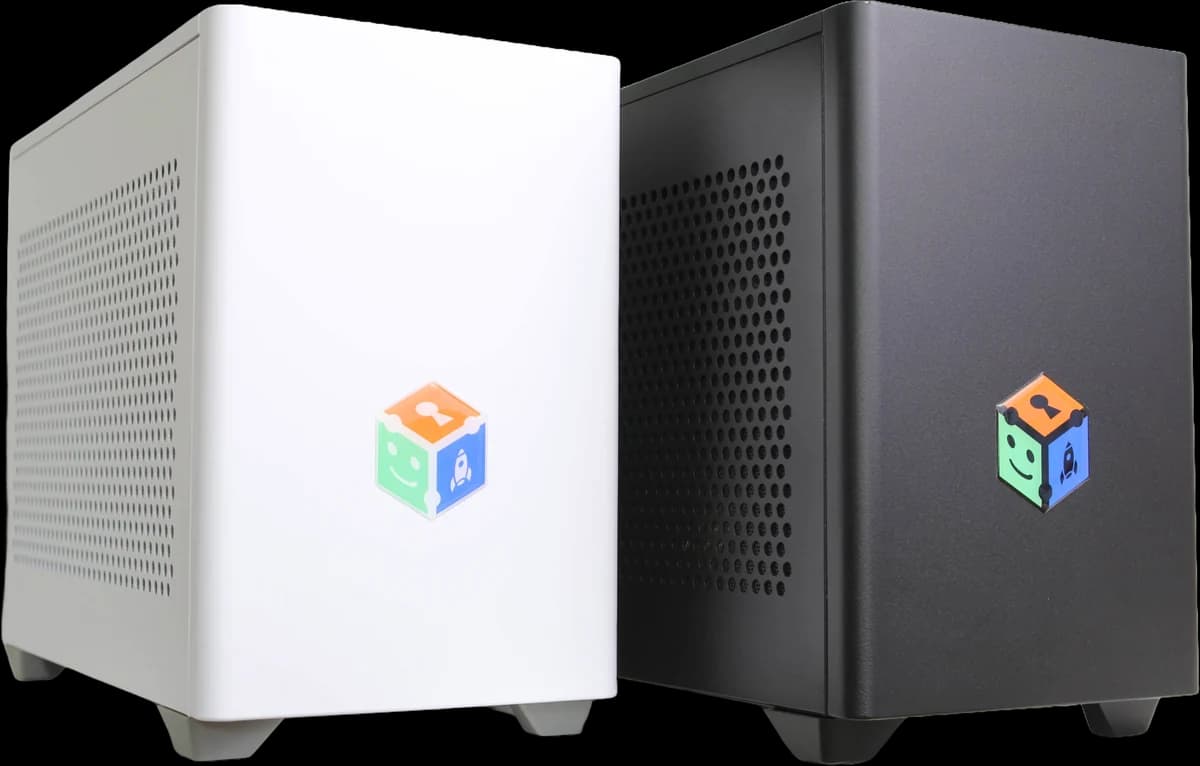
AIBOX ships as real hardware for local deployment: a working AI appliance from day one, without a procurement project.
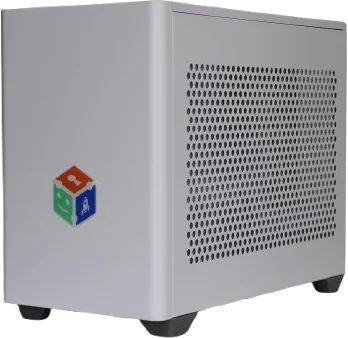
The same appliance, light finish.
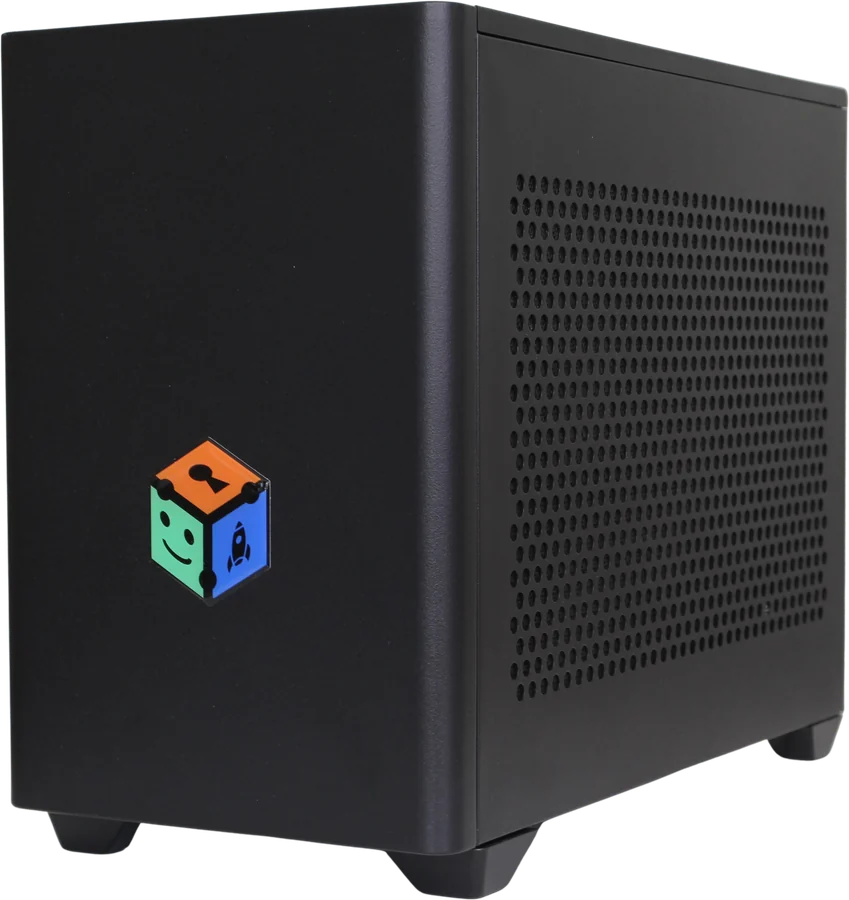
The same appliance, dark finish.
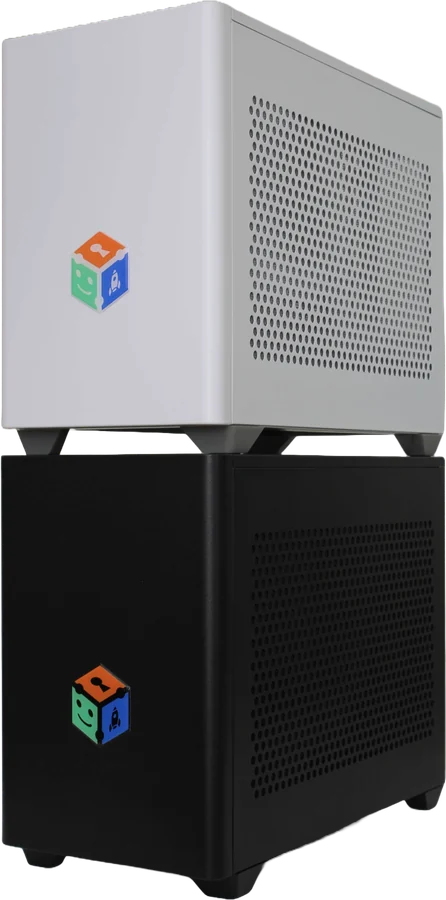
Additional AIBOX units join seamlessly as your business grows.
Prefer not to host a box?
The same AIBOX software, installed in your data centre or private environment, under your own security policies.
A fully managed service in the cloud, for teams that prefer maximum flexibility and no maintenance.
Every AIBOX runs the same platform underneath the solutions.
Availability of individual features depends on your package.
From clinics to factory floors — wherever documents, data, and customers meet, AIBOX finds hours to give back.
Patient records, insurance summaries, and standard reports — retrieved and drafted in seconds, with data that never leaves the clinic.
Instant document access and compliance checks for loan officers and service teams, with client data entirely on your own servers.
Find relevant cases, summarise complex statutes, and keep every confidential document protected inside your office.
Researchers and staff query statistics, summaries, and comparisons in plain language — no data team required.
Quality reports summarised on demand, defect trends visible immediately, and supervisors back in control of the line.
Ask what sold best, spot ordering patterns, and give staff AI assistants that speed up customer service.
Our solutions come with flexible pricing and packages based on your needs, the solutions you want to use, and the specifics of your business. Contact us for a custom quote.
With the on-premise deployment you get real hardware: a working AI appliance from day one. If you prefer, AIBOX can run on your own servers or as a managed cloud service.
In an on-premise deployment your documents, databases and conversations stay inside your organisation, with no third-party AI cloud involved. For teams that would rather not run infrastructure, we also offer a managed option.
AIBOX integrates with the systems you already have, such as ERP, accounting software, your website, CRM, online banking and courier systems, so data is entered automatically with no manual transfer.
As many as you like. There are no per-seat costs: you use AIBOX up to the full capacity of the hardware, and when you need more, you add another unit.
No. AIBOX is designed for non-technical users and works out of the box, with no complex setup. Deployment, connecting your systems and training your team are part of the service.
Tell us which process you want to automate. We'll get back to you within 24 hours. No commitment required.